MBN Projects is a complete, professional-grade project management application that runs entirely on your own computer. Boards, Gantt timelines, earned value, resource workload, baselines, automations and branded PDF reports — with no server, no subscription to a cloud platform and no data leaving your machine.
Most project tools charge per user, per month, forever — and hold your commercial data on someone else's infrastructure. MBN Projects is a one-off yearly licence for software that runs on your own hardware.
The application makes zero outbound network connections in normal use. There is no analytics SDK, no crash reporter phoning home and no account to create. Work on a plane, on a secure site, or on an air-gapped network.
Built as a compiled Rust application with a local SQLite database — not a browser tab pretending to be an app. Boards with thousands of rows scroll instantly because nothing waits on a network round-trip.
Critical path, float, baselines with variance tracking, earned value (PV / EV / AC, SPI, CPI), resource levelling insight and a full audit trail. The disciplines real programme managers are asked to evidence.
Branded PDF status reports, RAID logs, exports to CSV and Excel-friendly formats, plus a built-in document writer with templates for charters, business cases and lessons learned.
From £50 a year for a freelancer. No per-user-per-month creep, no storage tiers, no paywalled “enterprise” features — every plan includes every function.
Ships with a full compliance pack: security whitepaper, privacy notice, DPIA screening, ROPA, retention schedule and a software bill of materials. Hand it straight to an information governance reviewer.
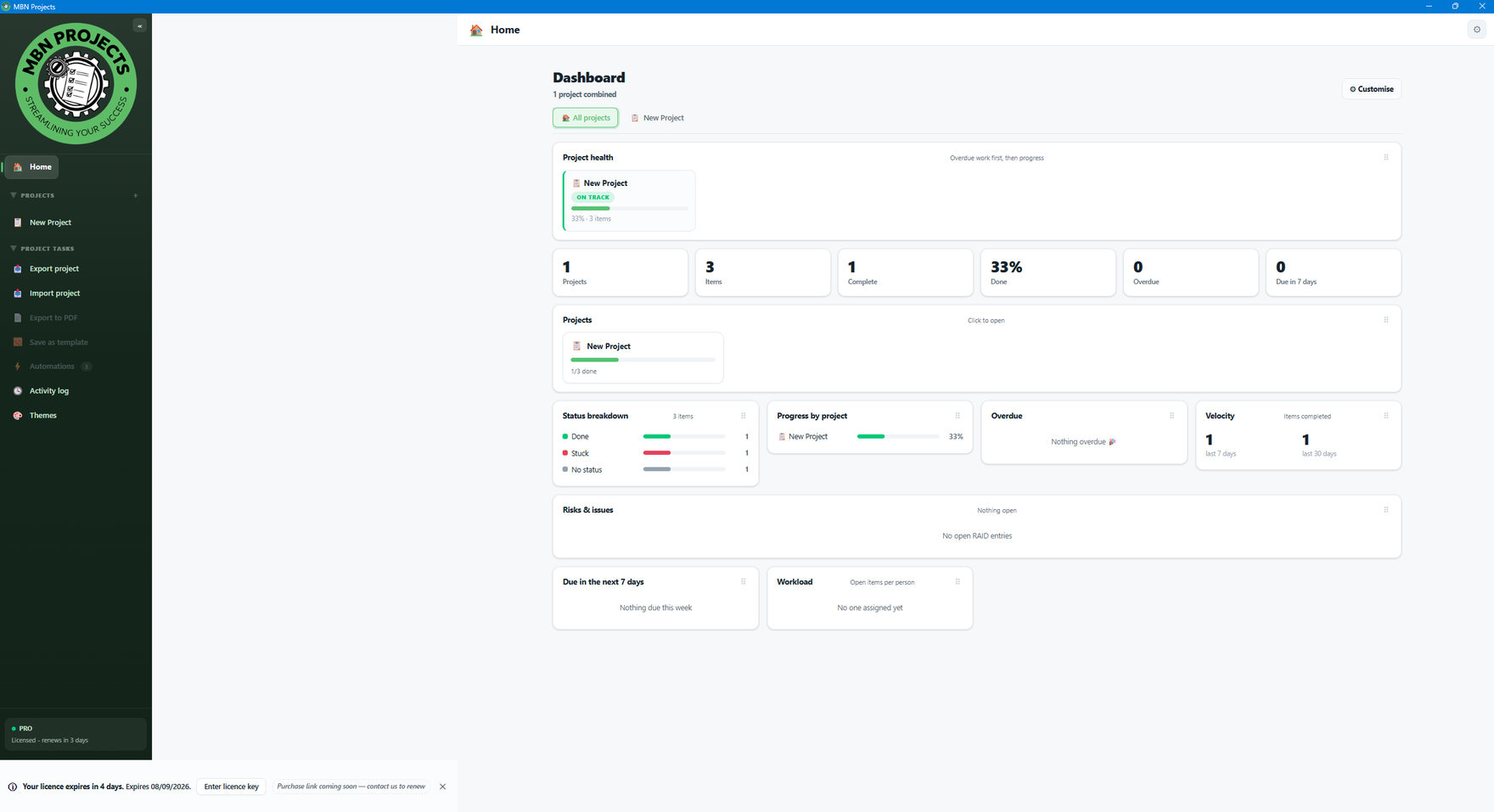
Every view works on the same live data set, so a change on a board is reflected in the Gantt, the workload heat map and the dashboard immediately.
Grouped, filtered, sortable boards with 24 column types and bulk editing.
Drag to reschedule, link dependencies, see the critical path and float.
Per-person capacity, double-booking clashes and weekly over-allocation.
Live KPI widgets, earned value and portfolio health at a glance.
When this changes, do that — no scripting required.
Risks, assumptions, issues and dependencies with scoring.
Freeze a plan, then track slippage against it date by date.
Charters, business cases and reports from built-in templates.
Light, dark, warm, cool and High Contrast — switch instantly with Ctrl+T.
Applied across the whole application — every view, every dialog, the document writer and the PDF preview. Includes a dedicated High Contrast theme. Press Ctrl + T to cycle, or pick one in Settings › Appearance.
Start with a 7-day free trial — every feature, limited to 2 projects and 1 automation. No card needed.
All prices in GBP per year. VAT treatment confirmed at checkout.
Grab the Windows 11 installer. No account, no email wall.
Open the app and the 7-day free trial begins automatically. Every feature, limited to 2 projects and 1 automation.
Pick your plan and pay securely. Your key arrives by email.
Paste the key into the app. It verifies offline — no call home needed.
Seven days, every feature, no card. If it does not fit the way you deliver work, uninstall it and nothing of yours was ever uploaded.